 Course Tools
One Screen Recorder License Your Whole Course Team Can Use on Mac and Windows Without Retraining Anyone
A cross-platform recorder keeps your whole team on one workflow.
Marco Stellini·
 Course Tools
How to Ship a Polished Software Tutorial From First Recording to Student-Ready Video Without Anyone Else Touching the File
A one-tool workflow gets solo creators from recording to publish.
Priya Nambiar·
 Course Tools
AI Screen Recording Features That Actually Help Course Creators Teach More Clearly
Transcript editing, cleanup, captions, and sharing each fix a different bottleneck.
Céleste Okoro·
 Course Tools
Async Recording Tools Ranked by How Much You Can Fix a Lesson Before Your Students Ever See It
Transcript-first editors let you repair a flawed lesson fastest.
Priya Nambiar·
 Course Tools
Screen Recorders That Teach Software Step by Step Without Extra Plugins or Workarounds
Four practical tests show which recorders really skip the plugins.
Céleste Okoro·
 Course Tools
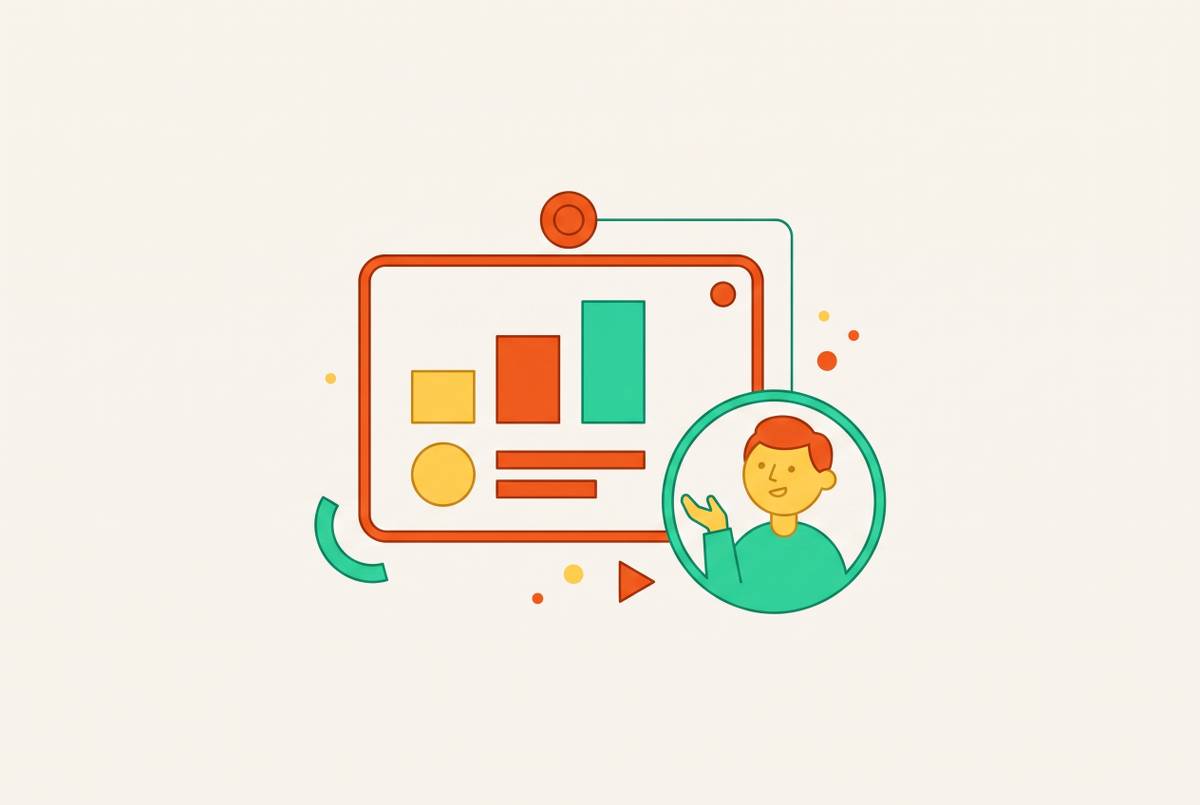
Recording Screen and Webcam Together so Students See Your Face and Your Slides
A practical guide to recording slides and your face for clear lessons.
Tobias Wrenshaw·
 Course Tools
Why OBS Is Overkill for Course Creators and Which Recorder to Use Instead
OBS stops at the recording file; course creators need editing, captions, and delivery.
Priya Nambiar·
 Course Tools
What a Twenty-Dollar Screen Recorder Budget Actually Buys a Course Creator in Video Quality
Built-in editing and captions justify the price by eliminating repetitive work per lesson.
Céleste Okoro·
 Course Tools
Screen Recording Tools That Automate the Editing Decisions Solo Course Creators Never Have Time to Make
Automation handles the repetitive cuts that turn weeks of editing into days of review.
Priya Nambiar·
 Course Tools
Free Screen Recording Tools vs. Paid Platforms for New Course Creators
Paid tools save time across a full course; free tools save money upfront.
Marco Stellini·