Camtasia Alternatives for Solo Course Creators
Six tools that replace Camtasia, sorted by the reason you want to leave it.
Short answer: The right Camtasia alternative depends on why you are leaving. On a Mac and tired of the subscription: ScreenFlow. Spending your week on the timeline: Descript, which edits video through its transcript. Still need quizzes and SCORM for an LMS: ActivePresenter Pro or iSpring Suite. Recording software tutorials on Windows and want the zooms done for you: Rapidemo. Only want to stop paying and already edit elsewhere: OBS Studio with a free editor.
What Camtasia does that an alternative has to replace
Camtasia is several tools in one window, and most alternatives replace only some of them. It records screen, camera and audio as separate tracks, edits them on a multi-track timeline, adds callouts, cursor effects and automatic zooms, writes captions, and, depending on the plan, builds quizzes and exports SCORM packages for a learning management system (LMS). Text-based editing lives in Audiate, a separate TechSmith app. It runs on Windows and Mac and is sold as yearly plans; current plans and prices are on TechSmith's store page.
Before comparing anything, write down which of those jobs your lessons actually use. A creator selling on Teachable, Thinkific, Kajabi or Udemy uploads a video file and never touches SCORM. A trainer delivering into a corporate LMS can't do without it. That one question removes half the list below.
Pick by the reason you are leaving
- The subscription, and you work on a Mac: ScreenFlow, a one-time license with a full timeline editor.
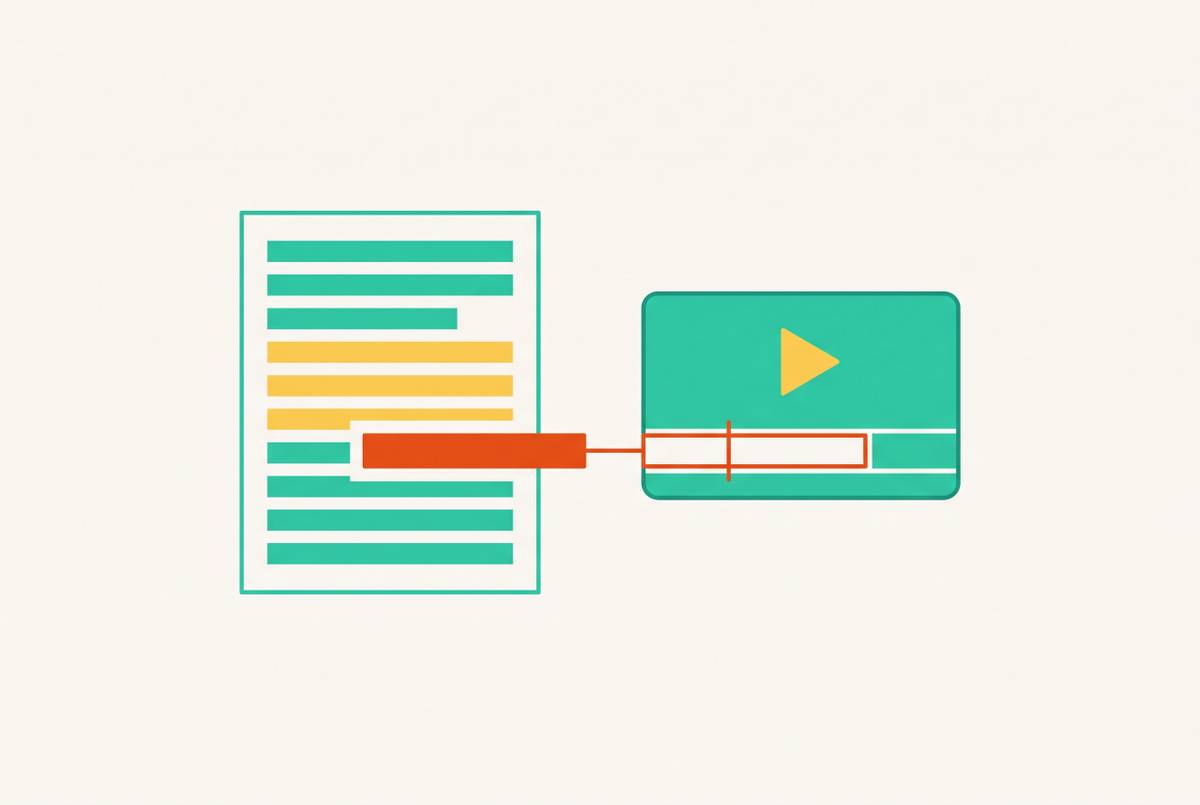
- Hours of timeline editing per lesson: Descript, where deleting words from the transcript cuts the video.
- You need quizzes, SCORM or xAPI, without Camtasia: ActivePresenter Pro (Windows or Mac) or iSpring Suite (Windows, inside PowerPoint).
- Manual zooms and cursor work on Windows software tutorials: Rapidemo, which adds them automatically from your clicks.
- Cost, and you already know an editor: OBS Studio for recording, plus the editor you have.
At a glance
| Tool | Runs on | Best when | How it is sold | SCORM |
|---|---|---|---|---|
| ScreenFlow | Mac only | Leaving the subscription on a Mac | One-time license with a free trial; major new versions are paid upgrades | No |
| Descript | Mac, Windows and web | Spending less time on the timeline | Monthly or yearly plans with monthly media-hour and AI allowances; a free plan to try it | No |
| ActivePresenter | Windows and Mac | Interactive lessons and SCORM without a subscription | Free edition for trial and non-commercial use; Standard and Pro are one-time licenses | Pro edition |
| iSpring Suite | Windows (works inside PowerPoint) | Slide-based courses delivered into an LMS | Sold as a subscription; check iSpring's site for current terms | Yes (SCORM 1.2, SCORM 2004, xAPI, cmi5) |
| Rapidemo | Windows 10 and 11 | Software tutorials without manual zoom and cursor work | Monthly or yearly plan, or a one-time license with a year of updates; free to try, a license is needed to export | No |
| OBS Studio (plus an editor) | Windows, Mac and Linux | Cutting the cost to zero when you already edit elsewhere | Free and open source | No |
Prices change often, so none are listed here. Each tool links to the vendor page where its current pricing and system requirements are published.
The six alternatives
1. ScreenFlow: leaving the subscription on a Mac
Mac only · One-time license with a free trial; major new versions are paid upgrades · telestream.net/screenflow
ScreenFlow is the closest like-for-like swap for a Mac creator. It records screen, camera and microphone at the same time (and an iPhone or iPad screen), then edits on a multi-track timeline with text and video animations, freehand annotations, styles and templates for a series of tutorials, and a closed-caption editor. Finished lessons export to a file or go straight to a video platform.
It suits a creator who records the same kind of lesson every week and is comfortable cutting on a timeline. It won't make editing faster than Camtasia does: the work is still manual.
What carries over from Camtasia: Recording and editing in one app; Multi-track timeline, annotations and captions; Reusable styles across a lesson series.
What you give up: Windows: ScreenFlow is Mac only; Quizzes and SCORM export; Camtasia's automatic zooms and cursor-path effects.
2. Descript: spending less time on the timeline
Mac, Windows and web · Monthly or yearly plans with monthly media-hour and AI allowances; a free plan to try it · descript.com
Descript transcribes every recording and lets you edit the video by editing that text: delete a sentence and the footage goes with it. Filler words and retakes come out in a click, background noise can be cleaned up, and captions come from the same transcript. The timeline is still there for the cuts that are about the picture rather than the words.
For talking-head lessons and narrated walkthroughs, where most cuts are about what you said, this removes most of the scrubbing that makes Camtasia slow. Check the media hours on the plan you pick against how much raw footage a module produces. How transcript-based editing works for lessons.
What carries over from Camtasia: Screen and camera recording with editing in one place; Captions and transcripts; A timeline when you need one.
What you give up: Quizzes and SCORM export; Camtasia's instructional callout and cursor toolkit; Unmetered editing: plans count media hours.
3. ActivePresenter: interactive lessons and SCORM without a subscription
Windows and Mac · Free edition for trial and non-commercial use; Standard and Pro are one-time licenses · atomisystems.com
ActivePresenter combines a screen recorder, a multi-track video editor and an eLearning authoring tool: interactive questions, branching scenarios and HTML5 output alongside ordinary video. It is the nearest match to Camtasia's quiz-and-SCORM side, and it is sold as a one-time license rather than a subscription.
Read the edition table before you build a course in it. The free edition is licensed for trial and non-commercial use, so a paid course needs Standard or Pro, and any export that uses a feature outside your edition carries a watermark. SCORM 1.2, SCORM 2004 and xAPI publishing are in Pro only.
What carries over from Camtasia: Recording, editing and captions in one app; Quizzes and interactions; SCORM and xAPI (Pro).
What you give up: Commercial use on the free edition; A short learning curve: it is an authoring tool as much as a recorder.
4. iSpring Suite: slide-based courses delivered into an LMS
Windows (works inside PowerPoint) · Sold as a subscription; check iSpring's site for current terms · ispringsolutions.com
iSpring Suite turns PowerPoint into a course-authoring tool: quizzes, interactions, role-plays, narration and screen recordings built around your existing slides, published as standards-compliant packages for an LMS. For a trainer whose lessons start as slide decks and end in a corporate LMS, it can replace Camtasia's SCORM role entirely.
It is a heavier environment than a recorder and is built for formal eLearning, not for a lesson you film, trim and upload to a hosted course platform.
What carries over from Camtasia: Quizzes and LMS tracking; Screen recording inside the course; SCORM, xAPI and cmi5 output.
What you give up: Mac: it runs on Windows with PowerPoint; A free-standing video editor in Camtasia's sense.
5. Rapidemo: software tutorials without manual zoom and cursor work
Windows 10 and 11 · Monthly or yearly plan, or a one-time license with a year of updates; free to try, a license is needed to export · getrapidemo.com
Rapidemo records the screen and tracks the mouse separately, then adds zoom animations on your clicks, smooths the cursor, generates subtitles and applies a consistent layout to screen and camera. A single take of a software walkthrough comes out looking edited without you setting a keyframe.
It is the opposite trade to Camtasia: much less control, much less work. Lessons export as MP4 for you to upload to your course platform.
What carries over from Camtasia: Automatic zooms and a clean cursor; Webcam layouts and subtitles.
What you give up: Mac: Windows only; Quizzes and SCORM export; A full multi-track timeline.
6. OBS Studio (plus an editor): cutting the cost to zero when you already edit elsewhere
Windows, Mac and Linux · Free and open source · obsproject.com
OBS Studio is a free, open-source recorder with scenes made of screen, window, webcam and image sources, and an audio mixer with noise suppression. It records long sessions reliably and adds no watermark.
It replaces only the recording half of Camtasia. Every cut, caption and callout happens in a second app, such as the free version of DaVinci Resolve or an editor you already own, and the webcam layout has to be set before you record. Why that handoff matters for course creators.
What carries over from Camtasia: Reliable, watermark-free recording; Flexible screen and webcam layouts.
What you give up: Editing, captions and annotations in the same app; Changing the layout after recording; Quizzes and SCORM export.
Is there a free Camtasia alternative?
Yes, if you accept a split workflow: OBS Studio records for free with no watermark, and a free editor such as DaVinci Resolve does the cutting. That covers recording and editing, not quizzes or SCORM. Free recorders against paid ones for a new course weighs the hours that split costs.
Be careful with free editions of paid tools. ActivePresenter's free edition is for non-commercial use, which rules it out for a course you sell, and free plans elsewhere tend to cap exports or add watermarks. Check the licence and make a test export before recording a whole module.
Before you switch mid-course
- Export what you have. Camtasia projects open only in Camtasia. Export a finished master and an SRT caption file for every lesson you may need to change, while you still have access.
- Check where the lessons go. Hosted course platforms take a video file; check the upload specs in your platform's help centre. An LMS that tracks completion needs a SCORM or xAPI package, which only ActivePresenter Pro and iSpring Suite on this list produce.
- Time one real lesson. Record and finish a full lesson in the trial, and time it from pressing record to uploading. That number matters more than the feature list.
- Match the look. Rebuild your intro, title style and webcam framing in the new tool so old and new lessons sit together without a visible join.
Questions people ask
What is the best Camtasia alternative for Mac?
ScreenFlow, if you want the same record-then-edit-on-a-timeline workflow for a one-time license. Descript, if you would rather edit through the transcript. ActivePresenter also runs on Mac if you need quizzes or SCORM.
Which Camtasia alternatives export SCORM?
On this list, ActivePresenter (Pro edition, SCORM 1.2, SCORM 2004 and xAPI) and iSpring Suite (SCORM 1.2, SCORM 2004, xAPI and cmi5). ScreenFlow, Descript, Rapidemo and OBS Studio produce video files, not LMS packages.
Is there a Camtasia alternative without a subscription?
ScreenFlow and ActivePresenter Standard and Pro are one-time licenses, Rapidemo offers a one-time license alongside its plans, and OBS Studio is free. Check each vendor's page for current prices and what upgrades cost.
Do I need Camtasia to sell a course on Teachable, Thinkific or Udemy?
No. Those platforms take an uploaded video file, so any tool on this list that exports a standard video works. Camtasia's quizzes and SCORM export matter only when the lessons go into an LMS that tracks them.
More guides
- Loom Alternatives for Course Creators
Five tools to record lessons with when Loom's limits, editing or sharing stop fitting a course.