Teleprompter Use for Solo Course Narration
A teleprompter frees your brain to focus on delivery instead of remembering lines.
A teleprompter changes what solo course narration actually is: a scripted, batchable production process instead of a series of one-off performances held together by memory and nerve. This piece walks that workflow from the page to the finished take, covering script, setup, delivery, and the edit that follows.
Solo course narration is a delivery problem, not a knowledge problem
You hit record, you know the material cold, and you still stumble four sentences in. A step gets skipped, a phrase repeats, the sequence comes out scrambled, and the only fix is to stop and start over. The brain is running three jobs at once: remembering what comes next, pacing the delivery, and listening to how it all sounds. A teleprompter removes the memory job entirely, so the only thing left to manage is how the words come out. Eliminating retrieval gives pacing and tone room to actually improve, since they no longer compete for the same mental bandwidth, and that's a bigger shift than it sounds like on paper.
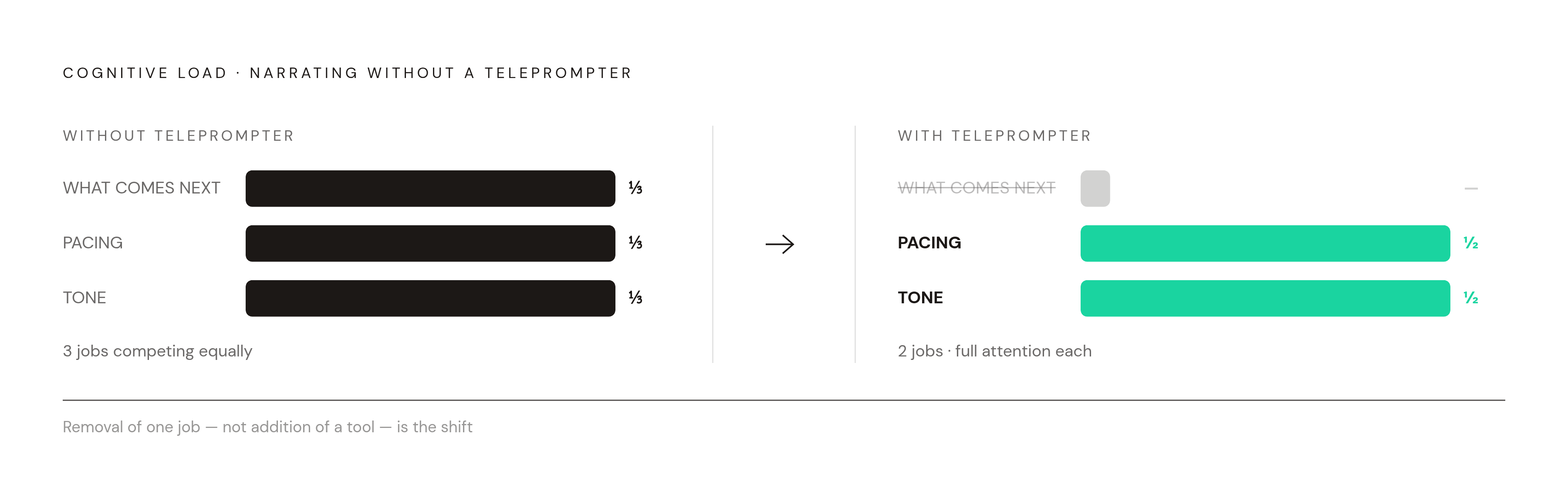
What a teleprompter changes about the recording workflow
A teleprompter doesn't make delivery automatic. Nobody reads off glass and instantly sounds like a seasoned narrator. It removes the pressure of digging for the next line mid-sentence, so attention goes toward sounding human. That shift opens the door to something bigger than smoother single takes: batch recording. A teleprompter is the system that makes that batch model survivable.
The tool asks something different depending on what's being recorded. So if a solo creator wants this to work, you need to pick setup, script format, and scroll behavior based on which job is actually happening.
Writing a course script that works when read aloud
You get long paragraphs, stacked clauses, and formal phrasing that reads fine on a page but sounds stiff the second it leaves a mouth. Teleprompter.com's course scripting guide draws a clean line here: a script is the exact wording that will come out of the creator's mouth, written as spoken instruction.
The structure that works for course lessons starts with one outcome per lesson, stated at the top in plain terms: an action verb, a skill, a context. From there, keep it to one idea, one example, one action step. That shape keeps a lesson short and scannable while it's being recorded, because nobody can hold a sprawling six-point script in their head while also trying to sound relaxed.
The deeper cause is a set of sentence-level habits that keep delivery from turning rushed or flat. A read-aloud pass before recording catches the lines that cause a stumble on paper before they cause a retake on camera, and any sentence that trips the tongue in rehearsal needs a rewrite before it ever reaches the prompter. Delivery cues in brackets, things like [pause] or [smile], build rhythm and expression directly into the text, so the creator doesn't have to invent that variation on the fly mid-take.
Screen recording narration asks for a lighter touch than talking-head scripting. Teleprompter.com's guide notes that AI-generated first drafts are genuinely useful for breaking through a blank page, turning a lesson outline into a working draft fast. But you need to revise that draft into your own voice and teaching style before it goes anywhere near the prompter. Skipping that step is how a script ends up sounding like nobody in particular.
Physical setup for a solo creator recording without a production team
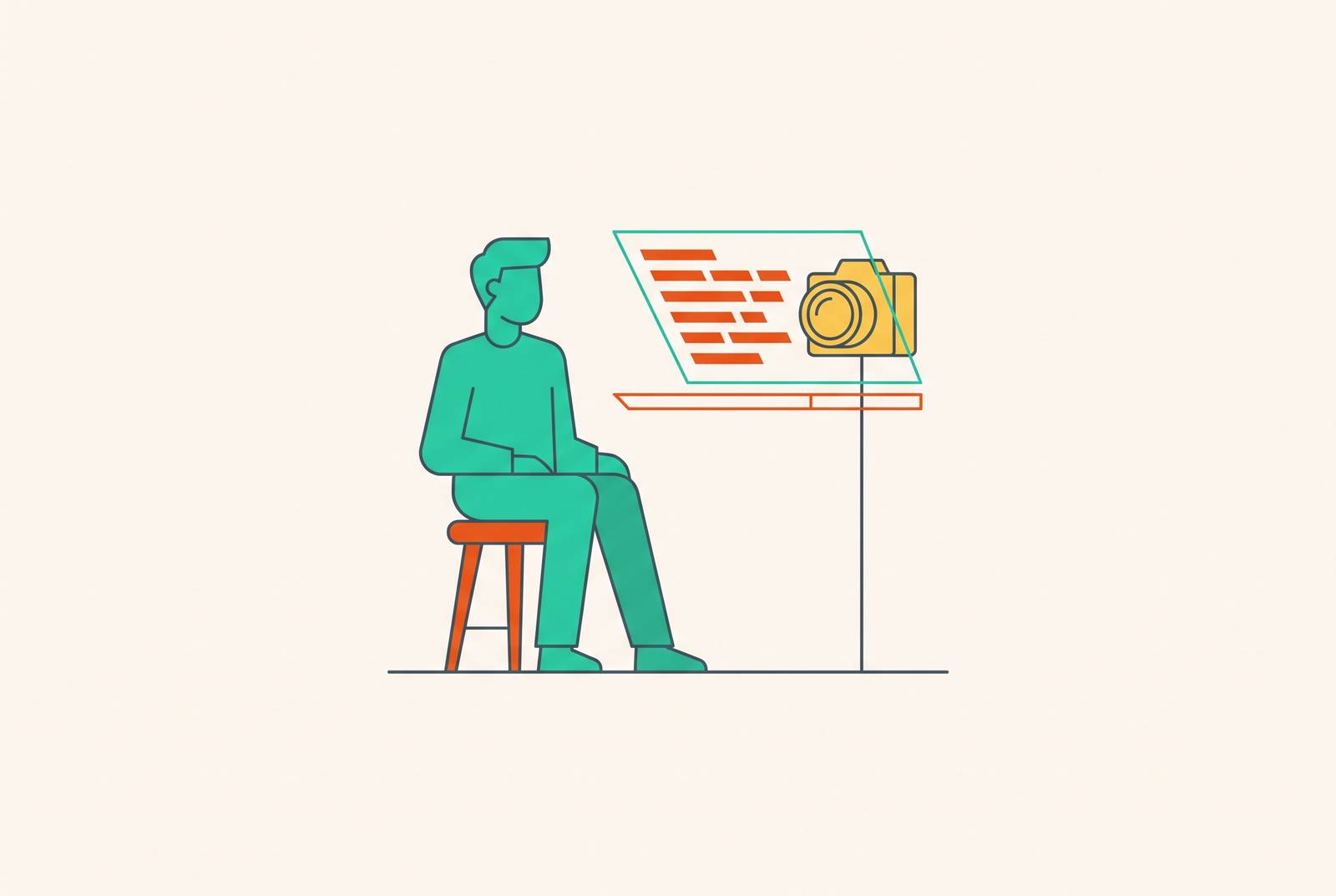
The right setup for solo course recording is the one that can be rebuilt fast, run without a second person in the room, and repeated identically across a whole day of modules. For talking-head lessons, a camera-mounted beam splitter rig does the job: the script reflects off 60/40 beam splitter glass sitting in front of the lens, the camera shoots straight through that glass, and the creator reads the text while appearing to look directly at the viewer. TeleprompterPAD's guide notes that this configuration makes up roughly three-fifths of its total sales, showing that a lot of course creators are recording face-first.
Lighting around that rig follows a standard three-point setup, consistent across both TeleprompterPAD and Teleprompter.com: a key light placed front and to one side, a fill light on the opposite side, and a backlight behind the subject to separate them from the background. TeleprompterPAD's guide also calls out the Velcro blackout hood that attaches to the rig, because it blocks ambient light from washing out the reflected script. Overhead lights hitting that glass cause the same glare, so you need to fix it with the hood or by repositioning the offending lights before the session starts, not after the first ruined take.
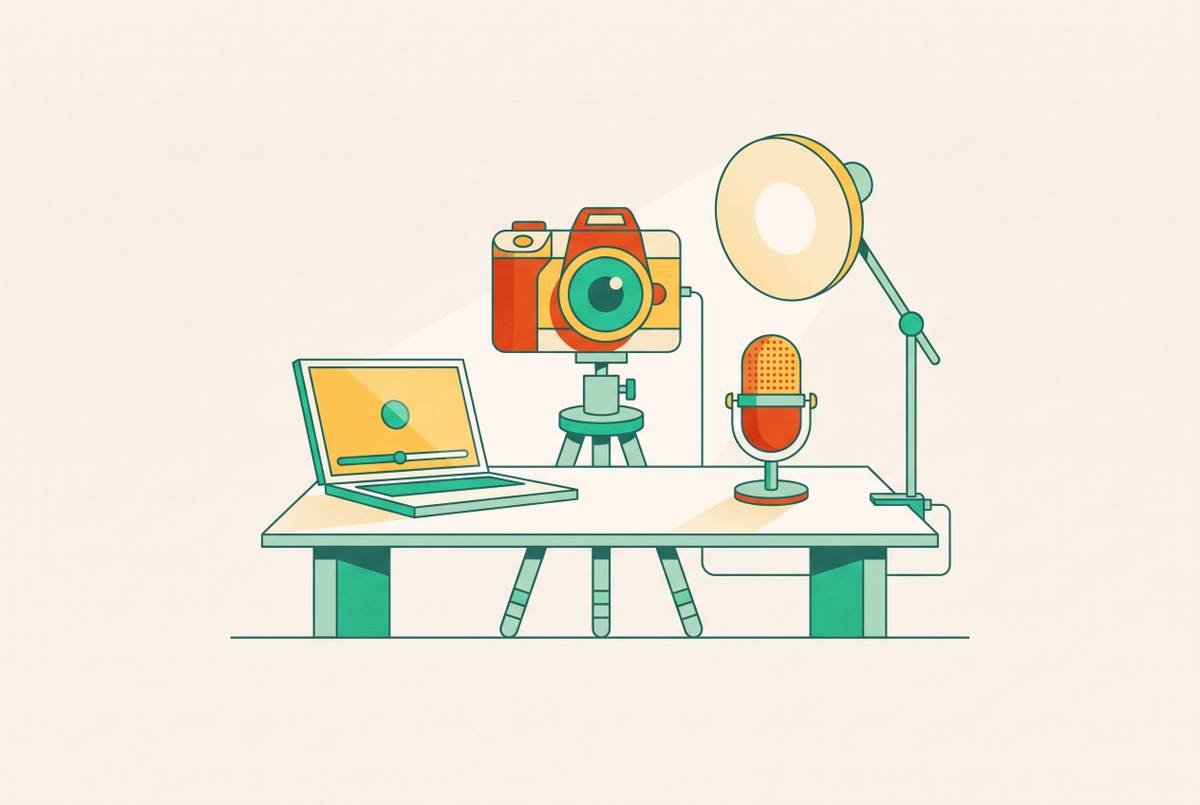
Before any of that gets turned on, a short setup checklist from Teleprompter.com's guide keeps a solo session from falling apart halfway through: a stable tripod or arm with plates tightened down so nothing wobbles mid-shot, the key light positioned well clear of the glass, an external mic placed for a consistent voice level across the whole session, teleprompter app settings saved ahead of time (font size, margins, scroll speed), and a script already formatted for speech. Running that list before hitting record is what turns "solo creator with no crew" into "solo creator who doesn't need one."
Choosing scroll behavior: voice-following versus manual control
How the script moves across the screen is arguably the single most consequential software decision in this whole workflow, and the two main approaches represent genuinely different philosophies about what a recording session should feel like. The appeal for a solo creator is obvious. You don't need to operate a foot pedal or hire someone to run the scroll, because the system is supposedly keeping pace on its own.
That convenience comes with a real limitation. If the room is noisy, if you have a strong accent, or if you improvise even slightly off the written line, voice-following accuracy drops. On a long script, some of these systems can skip lines outright, and in a single-take recording that's not a minor glitch: a skipped line means a missed step, and a missed step means a retake that a manual system would never have caused.
Manual speed control, often paired with a remote for pause and resume, hands all of that authority back to the creator. It holds up better across varying recording conditions, because the creator is matching the scroll. If a stumble happens, pause the remote, breathe, restart that sentence, and edit out the pause later. It's a repeatable, self-correcting pattern that doesn't depend on how well an AI model happens to be parsing the room that day.
Neither mode is wrong. Voice-following suits you if you speak consistently and record in a controlled, quiet space, where the system has an easy job. But for overlay-style screen recording, where the script floats over the application being demonstrated, manual or remote control tends to be the steadier choice, since microphone conditions during screen capture vary and attention is already split between the overlay and the software being shown.
Screen recording with a teleprompter overlay: a workflow built for software tutorials
A beam splitter rig is the right tool for a face; it's the wrong one when the subject of the video is an application. GhostPrompter's website names the actual problem overlay tools are built to solve: the script needs to float over the recording without blocking mouse interaction, so the creator can click, type, or advance a slide while the script stays visible and active the whole time.
Script structure shifts here too, and GhostPrompter's guide states the goal isn't one flawless long take but a set of well-structured segments that are easy to record, easy to edit, and easy for a learner to follow afterward.
Delivery technique: sounding natural when reading from a script
Good gear and a well-written script can still produce a flat, over-rehearsed recording if the creator treats the scroll as a document to read. The clearest sign of trouble is what shows up as a fixed stare, a monotone pace, and zero variation in expression or gesture, usually because the script in front of them is too dense and all their concentration is going toward the text rather than toward teaching.
The fix starts with where the eyes land: on the camera lens, not on the words crawling past. TeleprompterPAD's course guide cites research published in Learning and Instruction that found frontal orientation, where the instructor appears to look directly at the viewer, led to significantly higher retention scores, and the researchers tied that result to a parasocial interaction effect between instructor and learner. A second study, published in Scientific Reports in 2024 and also cited by TeleprompterPAD's guide, found that instructor nonverbal immediacy, direct eye gaze especially, substantially increases learner motivation and enjoyment during video lectures. The entire geometry of the beam splitter rig exists to make that eye contact possible, and it pays off when the creator is actually looking at the lens.
A few concrete habits can keep your delivery from going flat during a session. Treat the bracket cues built into the script, things like [pause], [smile], [gesture], as active instructions in the moment, not decoration left over from the writing stage. Teleprompter.com's scripting guide also recommends the same read-aloud pass mentioned earlier, this time as a delivery check rather than a writing check: any sentence that makes the voice sound strained, or any line that causes a stumble, is a script problem worth fixing before the camera ever rolls, not a performance problem to apologize for afterward. And when a stumble does happen anyway, TeleprompterPAD's guide gives the exact recovery move: pause the remote, breathe, restart that one sentence, and edit the pause out in post. Removing friction keeps the session moving.
Post-production for teleprompter-recorded course videos
A scripted session makes editing predictable in a way an improvised one never does. The creator already knows what they said and in what order, so post-production becomes a matter of trimming stumbles and pauses instead of piecing together a coherent story out of a pile of loosely related takes.
Because of that predictability, you can make transcript-based editing work even if you have no formal editing background. Because the script existed before the camera ever rolled, the transcript generated from the footage lines up closely with the original text, and mistakes can be found and cut by reading words on a page rather than scrubbing back and forth across a timeline hunting for a stumble by ear. AI tools get noticeably sharper on scripted footage, too. And subtitles generated from that clean transcript open the video up to learners watching without sound. Teleprompter.com's 2026 guide treats captions and accessibility as a baseline part of the viewing experience in 2026, not an optional add-on tacked on for a subset of viewers.
What's left after all that automation is a small set of judgment calls no AI makes on its own: choosing which of two decent takes of the same section actually makes the cut, or deciding whether a given stumble was serious enough to justify a full re-record. These are small decisions because the teleprompter workflow kept the number of bad takes low to begin with.
Building a repeatable batch-recording session from this workflow
Batch recording, preparing and shooting several modules in a single sitting, is the biggest payoff this entire workflow offers, and it only works once the script, the setup, and the scroll behavior are already settled before the creator sits down. Lighting and audio get checked once, ahead of time, so setup on the actual recording day takes minutes.
During the session itself, modules get recorded one at a time in the same chunked format described earlier (introduction, lesson, example, recap), using the remote-pause recovery habit instead of scrapping an entire take over one stumble. TeleprompterPAD's guide frames five to eight modules in a single session as the realistic target for a creator who's batch-producing a course, and the teleprompter is what keeps momentum intact across that much material in one sitting. If the rig stays assembled, the next module starts from the same calibrated baseline, so you don't have to rebuild lighting and framing from zero.
Once the session ends, you can queue up editing and handle it in its own separate block rather than squeeze it in between takes, because the footage is scripted. Recording and editing stay cleanly separable, and that separation is what makes the whole batch model workable for one person without a production team standing by.
Not every instructor wants to work this way, and that's a fair position to hold. Some find that word-for-word scripts still feel stiff even after plenty of practice, so they prefer bullet-point outlines paired with AI post-production for silence removal instead. In the outline version, the teleprompter's value shifts from verbatim delivery to structure and sequence-checking, so you don't skip anything even when you leave the exact wording to the moment. Either way, the system is the same one described here: a script prepared in advance, a setup that resets in minutes, a scroll behavior matched to the room, and an edit that was never a mystery to begin with.